NGRAVE ZERO

Firmware Update

Version 1.8 - August 2026

Ready to update?
Step-by-Step guide
No need to worry. We will guide you through the process one step at a time.
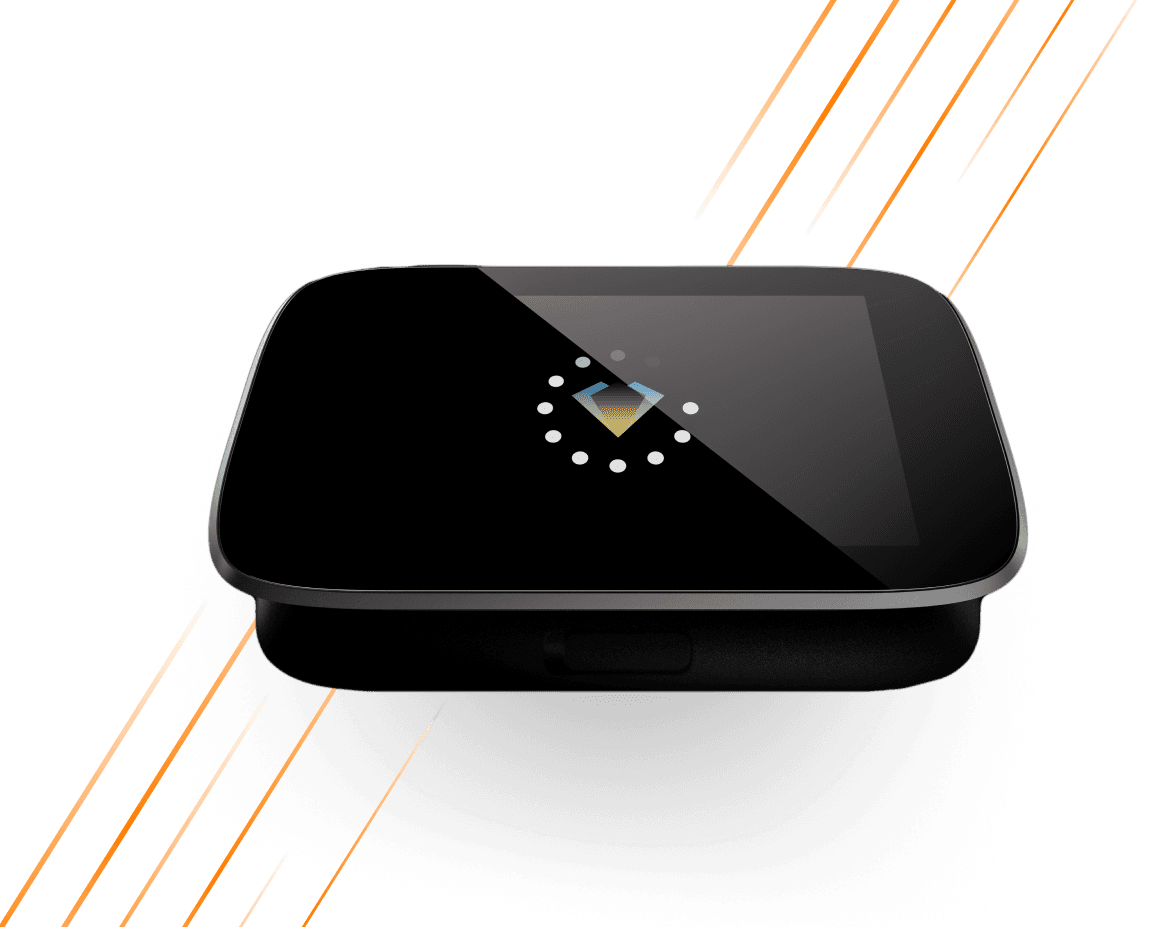
A sleek NGRAVE ZERO hardware wallet with a circular LED display on top, featuring orange diagonal lines in the background.

What's new?

One protocol, many wallets. ZERO now speaks the Universal QR protocol — a shared, open standard for syncing accounts and signing transactions over QR codes.
New Features
  • Universal QR protocol. ZERO now syncs your accounts and signs transactions using the Universal QR protocol, built on the open UR standard. It replaces the legacy QR format entirely, opening the door to a much wider range of compatible wallets while keeping every signature fully offline.

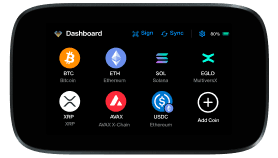
  • Polygon tokens. Polygon ERC20 tokens are now available on the dashboard.

  • USDT on MultiversX added to the supported assets.

  • Dedicated screens for account-closing operations — XRP AccountDelete and Stellar Account Merge now show a clear Full Balance warning before you sign.

Improvements
  • We reviewed and cleaned up the asset list: over 100 inactive, duplicated and legacy tokens were removed, and we added the full Polygon token set (USDC, USDT0, WETH, WBTC, DAI, AAVE, LINK, UNI and more) along with PAXG and AMP on Ethereum and USDT on MultiversX.

  • BNB Beacon Chain and Groestlcoin (GRS) are no longer supported. BNB on BNB Smart Chain is unaffected and remains fully supported.

  • Fingerprint sensor flow refinements and improved reliability.

  • Faster and more reliable QR scanning: the animated QR now runs a sequential loop with redundancy instead of an endless fountain.

  • Much clearer error messages when scanning — wrong QR type, unsupported network, missing derivation path, or a QR that could not be generated.

  • Redesigned transaction confirmation screen, with send and confirm screens unified across all chains.

  • The transaction review screen now distinguishes an exact fee (“Fee”) from an upper bound (“Max fee”).

  • The full token ID is displayed for MultiversX ESDT tokens.

  • “Sync ID” has been renamed to “Support ID” in Settings > About.

Bug Fixes
  • Fixed Stellar transaction encoding and Zcash crashes on certain transaction formats.

  • Fixed the display language resetting after a reboot, and an incorrect suspend timeout.

  • Fixed the scan screen and sync waiting screen getting stuck, and a crash when scanning non-EVM QR codes.

  • Fixed Bitcoin Cash PSBT handling and removed incorrect SegWit signing for BCH.

  • Fixed a fingerprint account mismatch and QR code enlargement issues.

Questions?

Here are some FAQs related to updating your ZERO.
Security
How safe are ZERO firmware updates?
Troubleshooting
I can't update my ZERO, what should I do?
Security
Why do I need to update my ZERO?
Troubleshooting
How do I know what firmware version my ZERO is running?
Troubleshooting
Is it possible to downgrade the firmware?
Troubleshooting
Can I update the firmware if my ZERO doesn’t boot?
Ready to update?
Step-by-Step guide
No need to worry. We will guide you through the process one step at a time.
A sleek NGRAVE ZERO hardware wallet with a circular LED display on top, featuring orange diagonal lines in the background.
firmware-update-newsletter-bg

Stay in the loop with NGRAVE Firmware Updates! Subscribe to receive email notifications as soon as a software update for your ZERO becomes available.

By signing up, you agree to receive our marketing offers following our Privacy Policy. You can unsubscribe at any time.